Here is why you should. Have you ever waited for a parcel without any tracking? When that happens, the questions pile up: when will it arrive? Will it get here in time for me to give it as a gift? Will I be home when the driver brings it? It may seem unthinkable now that a delivery would come without tracking, but it still happens — or the email lands in spam. Those questions show how much communication and transparency matter while a parcel is on its way, with one aim: reassuring the end customer. SMS notifications are becoming more important, and they bring real advantages. At Shippr, you can now write them in your own brand’s voice. Here is how.
Why send SMS during deliveries?
There are at least five points of contact for every kind of delivery:
- Order confirmation
- Dispatch notice
- Update while the delivery is under way
- Delivery confirmation
- Return confirmation
Alongside email, SMS is an excellent channel for reaching your recipients, and it brings plenty of benefits. No surprise that 72% of French consumers say they are interested in delivery tracking by SMS.
SMS reassures people about their delivery
As we said above, SMS reduces misunderstandings and frustration along the parcel’s journey. It plays an active part in the customer relationship and, above all, in customer satisfaction. It maximises the chances of a delivery succeeding and takes the stress out of that step. Your recipients trust you more, and are more likely to order and have things delivered again.
How do you set up parcel tracking to improve the customer experience?
It is a fast channel
To be useful, delivery notifications have to arrive as close to real time as possible. SMS gives more precise information about when the parcel will arrive. Since more than 90% of people read a message within three minutes of receiving it, texts are about as fast as it gets.
A high open rate
SMS has a higher open rate than email. According to this SMS comparison, texts have a 98% open rate against 20% for email. So you can be confident your recipients know where their parcel is.
Less risk of spam
Unlike email, texts are far less likely to be filtered into a spam folder.
Easy to automate
Plenty of tools make it easy to add SMS to your software. Shippr, for instance, handles communication with your recipients end to end, using automated emails and text messages.
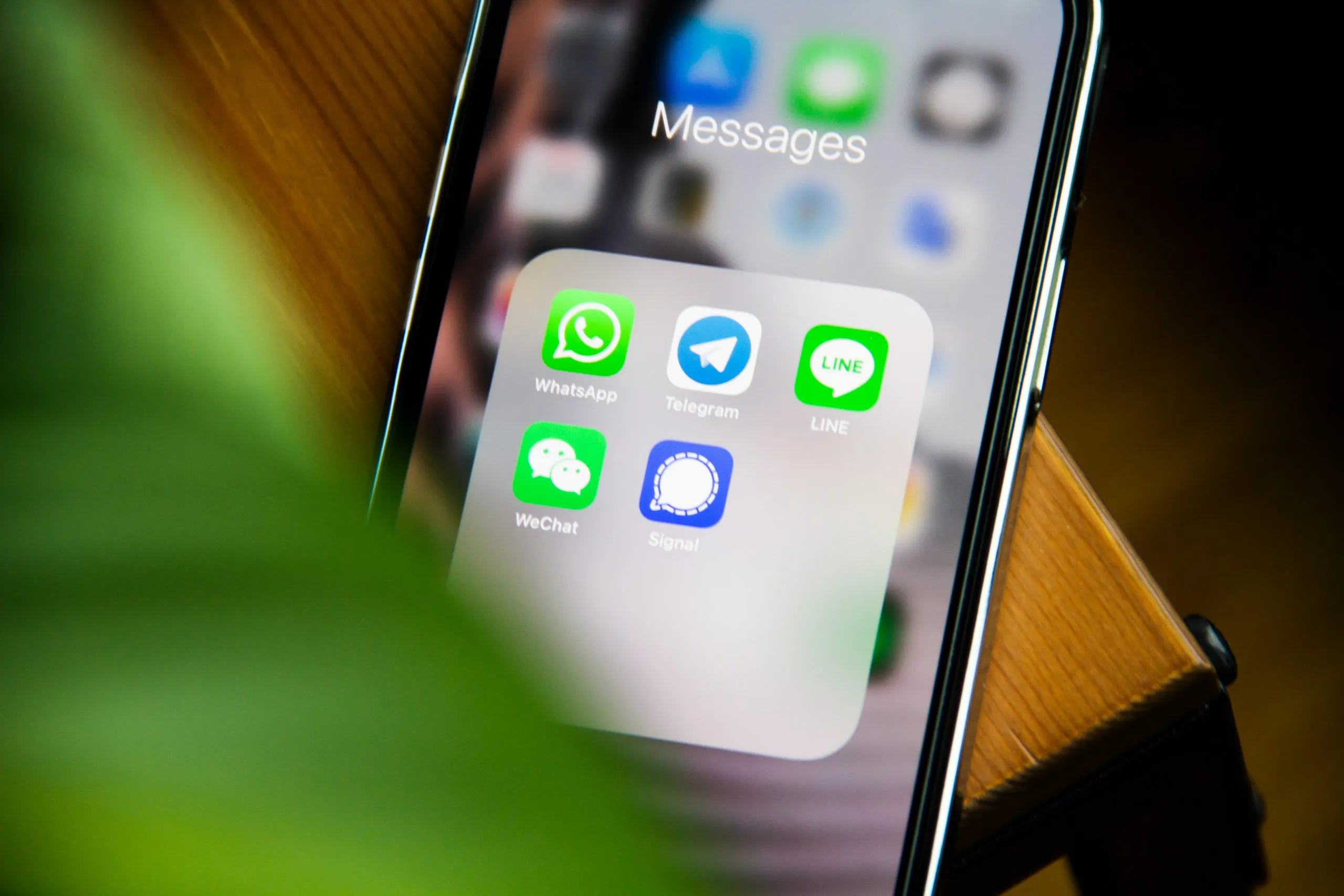
How do you send delivery SMS with Shippr?
1. Go to your “Settings” and open the “SMS” tab.
2. Choose the SMS scenarios you want to use
Each scenario is a type of SMS:
- Delivery scheduled
- Your parcel is on its way
- You are the next recipient
- Delivery cancelled
- Your parcel will be delivered tomorrow
- Delivery attempt failed
- Arrival time changed
- Delivered to a neighbour
Exactly like the emails, each SMS tells your customers about one precise moment in the parcel’s journey. The delivery is punctuated by these messages, from the moment it is scheduled to the moment it is handed over.
Each scenario has to be switched on individually before it will be sent.
For example, if you want your recipient to get an SMS when their parcel is on its way:
- go to the “Your parcel is on its way” scenario,
- then click the button on the right to switch it on
- and click “Save”
A scenario that is switched on means that SMS will be sent. So if you want to send several scenarios, you have to switch each one on.
3. Personalise the SMS, or don’t
Either you leave the default text, in which case the message sent is the one shown in the green SMS preview.
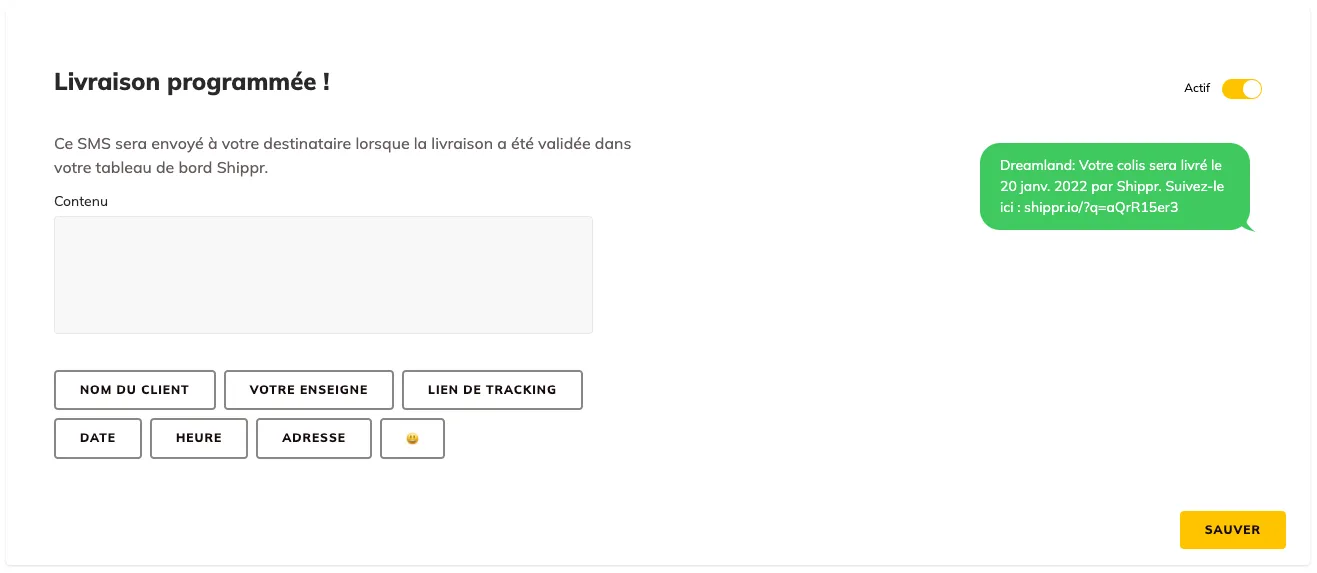
Or you can write new content in the content box, in which case you can use the options offered below it:
-
-
-
- customer name
- tracking link
- date
- your brand
- the time
- the address
- or an emoji
-
-
When you add an option, such as the customer name, that field is filled in automatically when the SMS goes out. Remember that an SMS has a 160-character limit. Go over it and two messages are sent instead of one. To warn you, “2 SMS” appears below the content box.
Does this feature cost anything?
Personalising your messages is completely free. It is up to you whether you write them yourself using the blocks offered under each text field, or keep the default. You only pay for sending the SMS itself. To find out more about this feature, do get in touch with one of our business experts.